

3D-printing was discovered more than 30 years ago by the original founder of 3D-systems. This first 3D-printer was named stereolithography apparatus and used a laser to cure a light reactive resin. During the years after the discovery, other companies like EnvisionTEC came up with new methods of curing the light reactive resin, by projector, instead of a laser. The last years, Other companies made resin based 3D-printing accessible for everyone by the introduction of cheaper LCD based 3D-printers.
During these past years, many companies came up with their own 3D-printing technique and named it differently, although it is based on one of the three techniques.

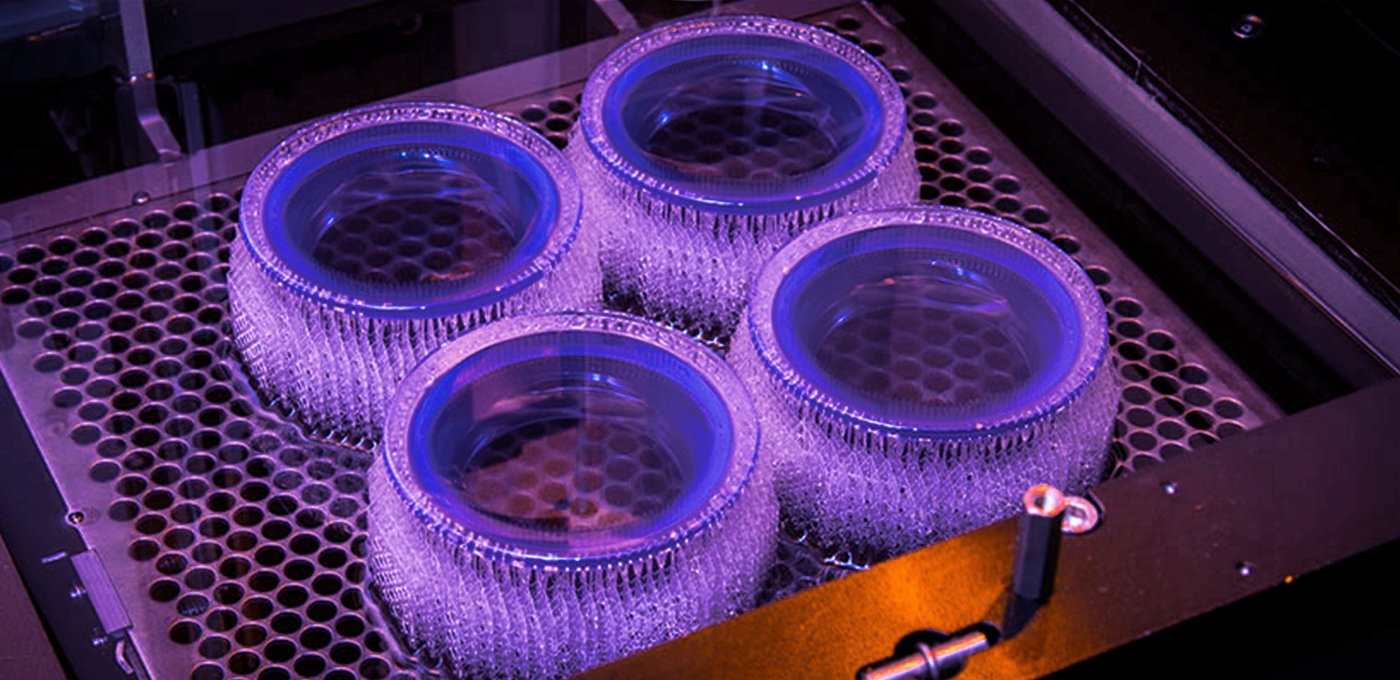
Laser SLA is based on the original invention, The laser is used to selectively cure the resin, by scanning the surface. The resin cures and becomes a hard plastic at the spots where the laser ‘hits’ the resin.
DLP-SLA is a technique which uses a projector to selectively cure the resin. It is generally a faster printing technique compared to Laser SLA, due to the fact that the projector can expose the whole layer at once, where a laser has to scan to cure the resin. A few single LED’s are in the center of the DLP projector. The light from these LED’s is guided to a DMD chip, which creates the actual curing pattern.
One of the latest developments in resin 3D-printing is MSLA, also called LCD based 3D-printing. This technique uses an affordable LCD screen to create the mask, eliminating expensive DMD chips that are used in DLP techniques. This technique works by an array of LED’s illuminating on the LCD. The LCD is used as a mask, which creates the curing pattern. The liquid resin turns into a rigid plastic on the spots where the light ‘hits’ the resin.
How do SLA, DLP and LCD 3D-printers compare?
There are many differences between the three main resin based 3D-printing techniques. The table below shows the generic differences.
Laser SLA | DLP SLA | LCD | |
Build Area | ++ | – | + |
Price | – | – | ++ |
Speed | + | ++ | – |
Quality | ++ | ++ | + |
One of the main drawbacks of Laser SLA techniques is its price for the machines and consumables. This also applies to DLP 3D-printers. DLP printers have another technical disadvantage to keep in mind, the (affordable) DMD chips are usually 1920*1080 pixels, which limits the quality of printing when upscaling the build area. LCD based printing is a lot cheaper compared to the other techniques. These machines are more affordable and also consumables like FEP foil for your resin tray is cheaper.
What most users don’t realize is that the LCD display is also count as a consumable, which should be replaced from time to time.
The build area is dependant on each machine and technically it is easier to create a bigger build area, by placing a bigger LCD in the machine.

Key differences between SLA, DLP and LCD 3D printing
Though SLA, DLP and LCD are largely similar — they both cure resins and operate layer by layer — there are some key differences between them.
The biggest difference between SLA and DLP is the difference in method used to cure the resin.
DLP uses a projector, LCD 3D printing uses an LCD screen, and SLA uses a UV laser that traces the dimensions to be printed. DLP and LCD are faster than SLA as they can create entire layers at once, whereas SLA requires manually tracing the dimensions of each layer with the laser.
Another lesser difference but worth noting is that DLP 3D printers usually have shallower resin tanks — the tanks which resin material is stored in during printing. If you’re big on saving money this is an advantage, as this reduces the waste of expensive unused resins.
SLA vs DLP vs LCD: 3D Printer Comparison
If you’re choosing between an SLA or DLP 3D printer, what’s best for you depends largely on your printing priorities.
If you value reliability, go with an established brand known for solid printing such as Formlabs’ Form 3 SLA printer. Again, the technology differences are small enough that it is more based on what you as an individual require, rather than choosing between two technologies.
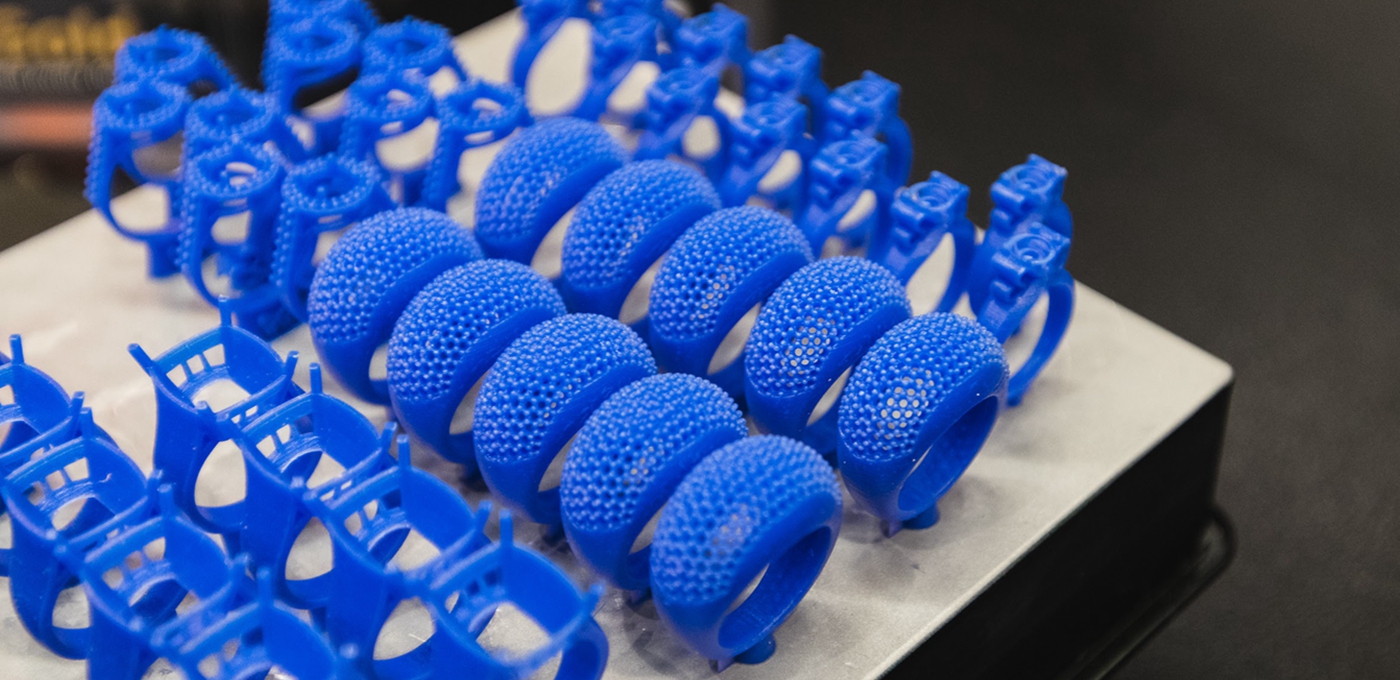
In the same vein, if you need a printer capable of producing jewelry molds, or models for use in dentistry, pick a printer that specializes in these areas such as an EnvisionTEC DLP printer .
If you’re looking for a cheap printer that can print passable prototypes at home and can accept slightly lower quality, go with an LCD 3D printer such as the Elegoo Mars or AnyCubic Photon S.
SLA vs DLP vs LCD: Print Quality Comparison
Resin 3D printing is known for being one of the most accurate and precise 3D printing technologies, and even low cost LCD printers are able to create complex geometries that technologies like Fused Deposition Modeling just cannot match.
Honestly, the print qality of an LCD 3D printer compared to a DLP or SLA 3D printer depends on the 3D printer used. An expensive SLA 3D printer will be far better than a cheap DLP 3D printer, with higher quality components used and better resolutions and precision.
The technologies themselves are similar in their ability to create accurate models, it is the execution that affects quality.
Resin Comparison
Some resins may work with both DLP and SLA printers, or with DLP and LCD printers, so there is some overlap. But not always, as though some 3D printer companies allow their machines to be used with any third party resins, some restrict them to only use their branded resins.
The best resins for you ultimately depend on what you’re looking to achieve with SLA, DLP or LCD 3D printing. Basic resins exist for fun, hobbyist 3D printer projects, as well as specialized castable, dental, engineering, or 3D printed jewelry resins.
More industrial and professional quality resins will cost more, and can cost upwards of $100/liter. The most basic resins can cost far less, at around $40, but will not offer the same level of quality, even on high quality resin printers.









 Email:info@galaxy3dm.com/info@seetoptech.com
  Address: